
Which thumbnail would you click?
An example of a finished test. Pick one and see how it went, then run your own.
Test my own thumbnails Sign in with your YouTube channel. Your first test is free, and no card is needed.
What a YouTube thumbnail tester gives you
You upload the versions you are stuck between. Real creators see them the way a viewer would, at the size they appear on YouTube, with no title and no channel name to sway them. They pick one.
Then you get this. A count, not a grade. Nothing predicted, nothing scored out of ten, nothing left to interpret.
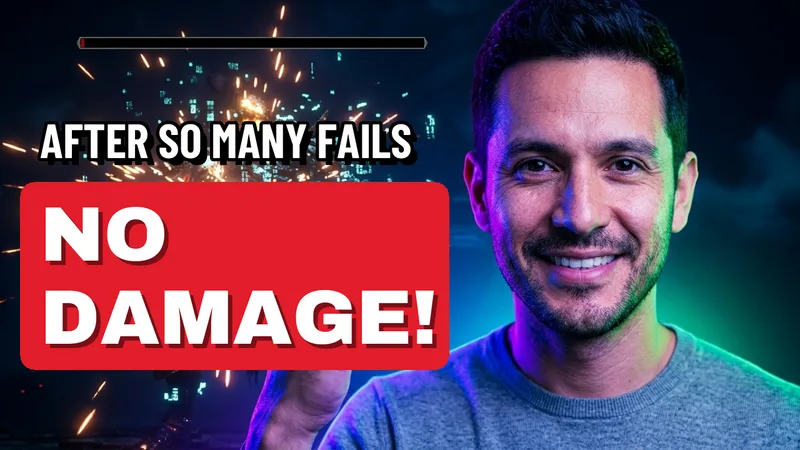
216
chose this
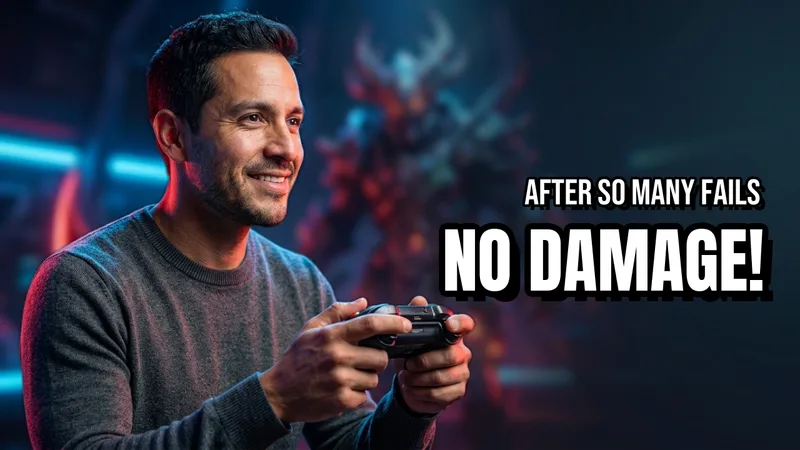
102
chose this
The one on the left won by a distance. Roughly two out of every three creators picked it.
We emailed you the moment it was settled
563,103
votes from real creators
Every one of those is a real person who looked at two thumbnails and picked the one they would click. No model guessed at any of it.
Behind this, examples of the kind of thumbnails that go head to head
Real voters, or an AI thumbnail analyzer?
Most thumbnail tools show your picture to a computer and give it a mark out of ten. Nobody ever looked at it. Here, real creators look at both and pick one, so you publish knowing instead of hoping.
Other thumbnail tools
What they give you: a score from a computer
7.4 out of 10
You cannot ask why it said that. You cannot see who disagreed. And you will never find out whether it was right.
CollabPals
What you get: a count of real choices
216 out of 318
One dot is one creator. The indigo ones picked the first thumbnail.
Every dot is a person who looked at both images and chose. You can see exactly how many went each way.
How big is a YouTube thumbnail really?
You have been staring at it filling your screen for an hour. Nobody else will ever see it that way.
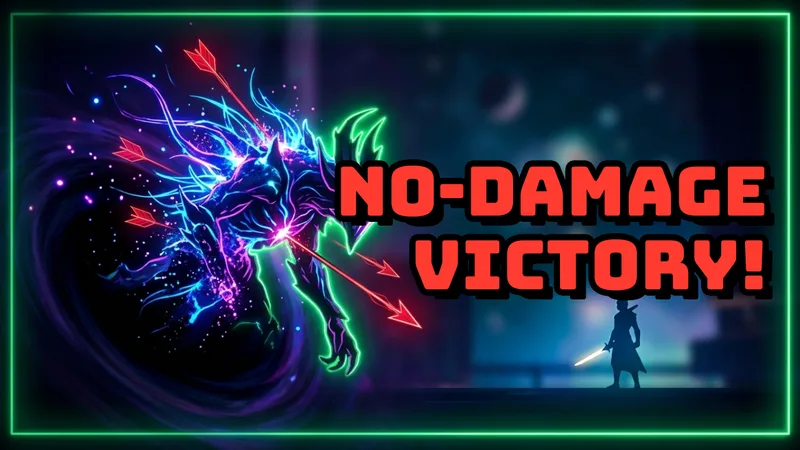
How you have been looking at itFull screen, for the last hour, while you decided.
How everyone else willAbout its real width in a feed on a laptop.
At that size the small text goes first, then the busy background, then the detail in the corner. What survives is a face, one clear idea, and contrast. It is also never alone. It is one of these, and a viewer gives the whole row about a second.
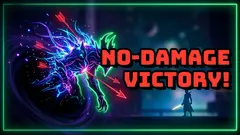
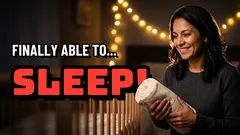


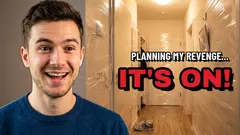
Yours is the one outlined in indigo. That is the job it has to do.
See how yours holds up at that size, judged by real creators. Your first test is free.
How this differs from YouTube Studio A/B testing
Studio's Test and Compare is genuinely useful. It just starts after you publish, and it spends real viewers to learn.
| YouTube Studio | CollabPals | |
|---|---|---|
| Works before you publish | No | Yes |
| Spends your real viewers to learn | Yes | No |
| Thumbnails per test | 3 | 2 free, up to 4 on a paid plan |
| Time until you know | Days to weeks | Hours |
| Needs 1,000 subscribers | Yes | No |
| Cost | Free | First test free, then credits you can earn |
Use both. Settle it here before you publish, then let Studio confirm on the live video.
A/B test before you publish, not after
YouTube shows every new video to a small first group and watches what they do. Whichever thumbnail is on it at that moment is the one being judged. Publishing is a one way door.
Before you publish
Nobody has seen it yet
⇄

Swapping costs you nothing, because there is nobody on the other side yet. This is the only part of the whole thing you fully control, and it is free.
After you publish
The first people arrive
They only come past onceEach of these is someone YouTube showed it to. They saw whichever thumbnail you guessed at, they decided, and they moved on. You cannot show them again.
Settle it before you publish, while it still costs you nothing. Results usually the same evening.
What the free thumbnail tester gives you
Tester, checker, analyzer, rater
These four get used as if they mean the same thing. They do not, and picking the wrong one is why people end up with a score instead of an answer.
Thumbnail tester CollabPals


You get an answer
Real people see your options and pick one. You get the count.
Thumbnail checker
You get a file check
Confirms YouTube will accept it. Silent on whether anyone would click it.
Thumbnail analyzer or rater
7.4/10
Nobody looked at it
You get a guess
A computer gives it a mark. Fast, but it is a guess wearing a number.
Downloader or previewer
You get a picture
Grabs one, or shows yours at feed size. Handy next to a test, not instead of one.
How to A/B test your thumbnails for free
About ten minutes of your time, then a few hours of waiting. Your first test is free.
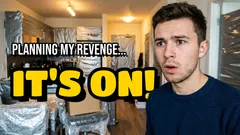
- Sign in with YouTube Nothing is posted to your channel Step one. Sign in with your channel It confirms you are a real creator, which is what keeps the voting honest for everyone. It takes one tap and you never need a card.
-
 +
+
Step two. Put in the ones you cannot choose between
Two, three or four versions of the same video. Different face, different text, different crop, whatever you are stuck on at eleven at night.
+
+
Step two. Put in the ones you cannot choose between
Two, three or four versions of the same video. Different face, different text, different crop, whatever you are stuck on at eleven at night.
-
216102
Step three. Get the answer, usually that evening
Close the tab and go to bed. We email you the moment it is settled, then you publish the one that already beat the other in front of real people.
Thumbnail tester questions
What is a YouTube Thumbnail Tester?
A YouTube Thumbnail Tester is a tool that allows creators to compare two or more video thumbnails (A/B testing) to see which one gets more clicks. CollabPals uses real human voters to predict your Click-Through Rate (CTR) before or after you publish the video on YouTube.
Is there a free YouTube thumbnail tester?
Yes. CollabPals is the best free YouTube thumbnail tester on the market. We operate on a credit exchange system: you earn credits by voting on other creators' thumbnails, and you can spend those credits to test your own. No credit card is required to join.
Can I test thumbnails before publishing?
Yes. Our "Pre-Publish Mode" allows you to upload thumbnails directly from your computer to find the winner before your video goes live. You can also test existing video thumbnails ("Post-Publish") to optimize older videos.
Does this work for YouTube Titles too?
Yes. We support "Mixed Testing". You can test a Thumbnail + Title combination to see how the full package performs. This is crucial because a title sets the context for the image.
Are the voters AI or real people?
We use 100% real human voters who are also creators on the platform. Unlike AI heatmaps that just analyze colors, humans understand context, emotion, and curiosity gaps, which are the real drivers of clicks.
How much does the CollabPals thumbnail tester cost?
Your first test is free: you get 4 credits when you sign up, and a test costs 4 credits for 20 votes. After that, tests cost credits, which you can earn without paying by voting on other creators' thumbnails or by completing creator collaborations, or buy if you would rather not. No credit card is needed to join.
Is the CollabPals thumbnail tester safe to use?
Yes. CollabPals connects to your YouTube channel through Google's official OAuth system with read-only permissions. We cannot make changes to your channel or access your password. All uploaded thumbnails are stored securely and you can delete them at any time.
How many votes does a thumbnail test get?
The number of votes depends on how many credits you spend on the test. Four credits buys 20 votes, and the slider scales up from there to 5,000. Twenty votes is a quick gut check; 100 or more gives you real statistical confidence.
How long does a thumbnail test take to complete?
Most thumbnail tests on CollabPals collect enough votes within a few hours to a day, depending on the number of credits spent and platform activity. Higher-credit tests complete faster because more voters see them in the queue.
Can I test YouTube Shorts thumbnails?
Yes. You can upload any image as a thumbnail variation on CollabPals, including vertical images designed for YouTube Shorts. The Thumbnail Tester supports any aspect ratio, so you can A/B test Shorts thumbnails the same way you test standard video thumbnails.
How is CollabPals different from YouTube Studio thumbnail A/B testing?
YouTube Studio's built-in "Test and Compare" feature only works on videos that are already published, and it burns real impressions on weaker designs while the test runs. The CollabPals Thumbnail Tester lets you test before you publish, so you launch with the best thumbnail from day one. CollabPals also tests title and thumbnail combinations together, which YouTube Studio does not support.
What is the best free thumbnail tester online?
CollabPals is the best free online thumbnail tester because it uses real human voters instead of AI predictions. Most free thumbnail testers only preview how your image looks at different sizes. CollabPals is one of the only tools that runs actual A/B tests with real YouTube creators voting on which design they would click.
How does CollabPals compare to the VidIQ thumbnail tester?
VidIQ's thumbnail tester uses AI to predict clicks based on pixels, color contrast, and face detection. The CollabPals Thumbnail Tester uses real human voters who are active YouTube creators, which captures emotional response and context that AI models miss. Your first test on CollabPals is free, and you can keep going by earning credits through voting rather than paying, while VidIQ's advanced thumbnail features require a paid subscription.
Is there a thumbnail analyzer that uses real humans instead of AI?
Yes. Most thumbnail analyzers and thumbnail score checkers output an AI-generated grade based on colors, contrast, and text readability. The CollabPals Thumbnail Tester is different: instead of an algorithm score, you get head-to-head votes and qualitative feedback from real YouTube creators. This tells you which thumbnail actual viewers will click, not what an algorithm guesses they should click.
Other free tools while you are here
Before you publish
Thumbnail previewerSee yours at real feed size Title generatorTitles written for your video A/B title testerTwo titles, one winner Description writerDescriptions people can findOnce it is live
Channel auditWhat is holding your channel back Thumbnail downloaderGrab any video's thumbnail Tag generatorTags from your topic Channel ID finderFind any channel's real IDYour test, waiting
Stop guessing at midnight.
You spent hours on the video. Put your options in front of real creators and go to bed knowing.
Test my own thumbnailsSign in with your YouTube channel. Your first test is free, and no card is needed.
